Find a product
Browse the catalog by category or use the search box on the homepage.
Categories Register on OopBuy ↗
A simple path from product discovery to a considered order.
Browse the catalog by category or use the search box on the homepage.
CategoriesOpen the source page to review photos, size options, current price and availability.
Featured findsRegister or sign in, then review platform fees, shipping and final options before ordering.
Register on OopBuy ↗Find items by category or keyword. This catalog is a historical export: record the ID and check the seller, measurements, material and availability, then confirm the current price on OopBuy. Sizes can vary by seller; keep the product ID to check the order.
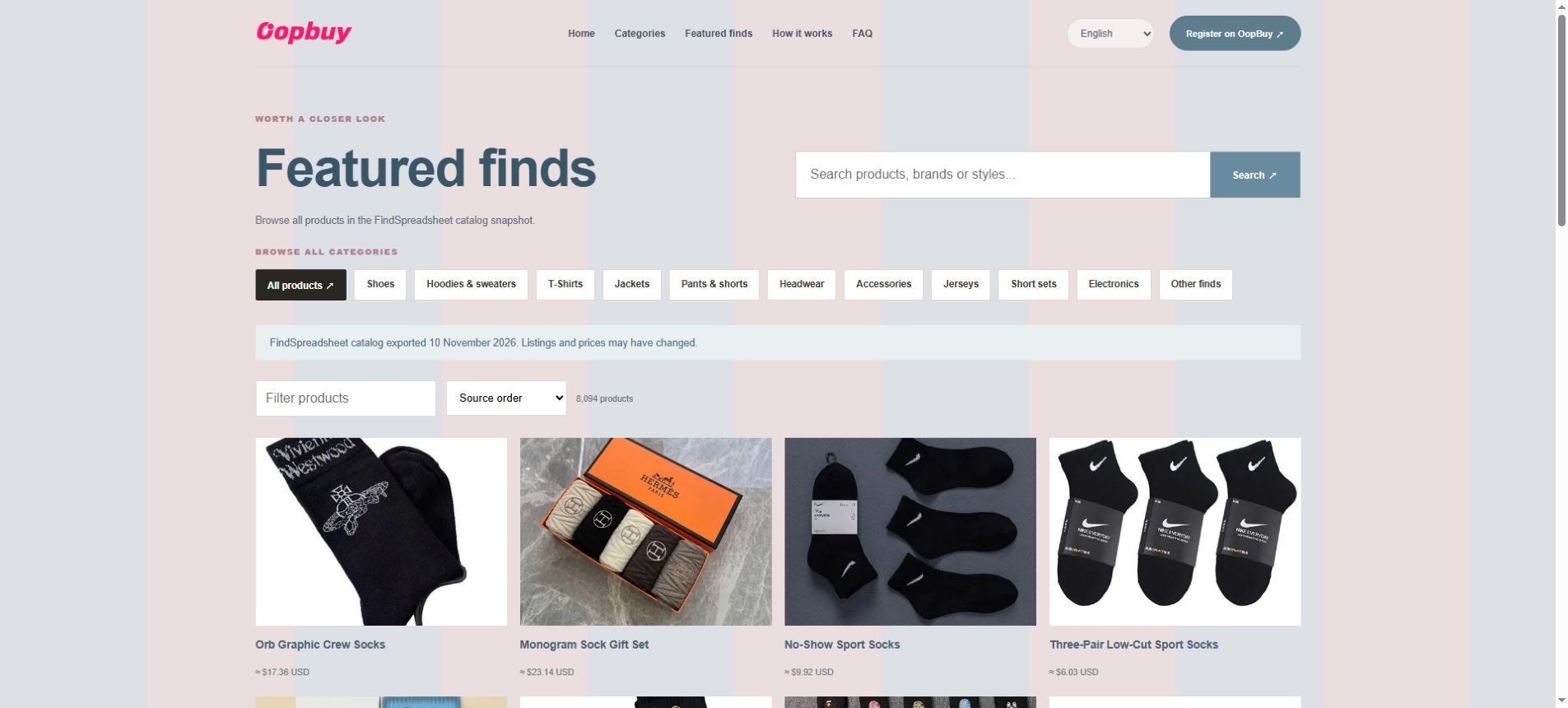
Open the item and use its purchase button to reach OopBuy. Check the listing, variation, quantity, current price and any purchase restrictions before ordering. If the item is unavailable, review the platform message before accepting a replacement.
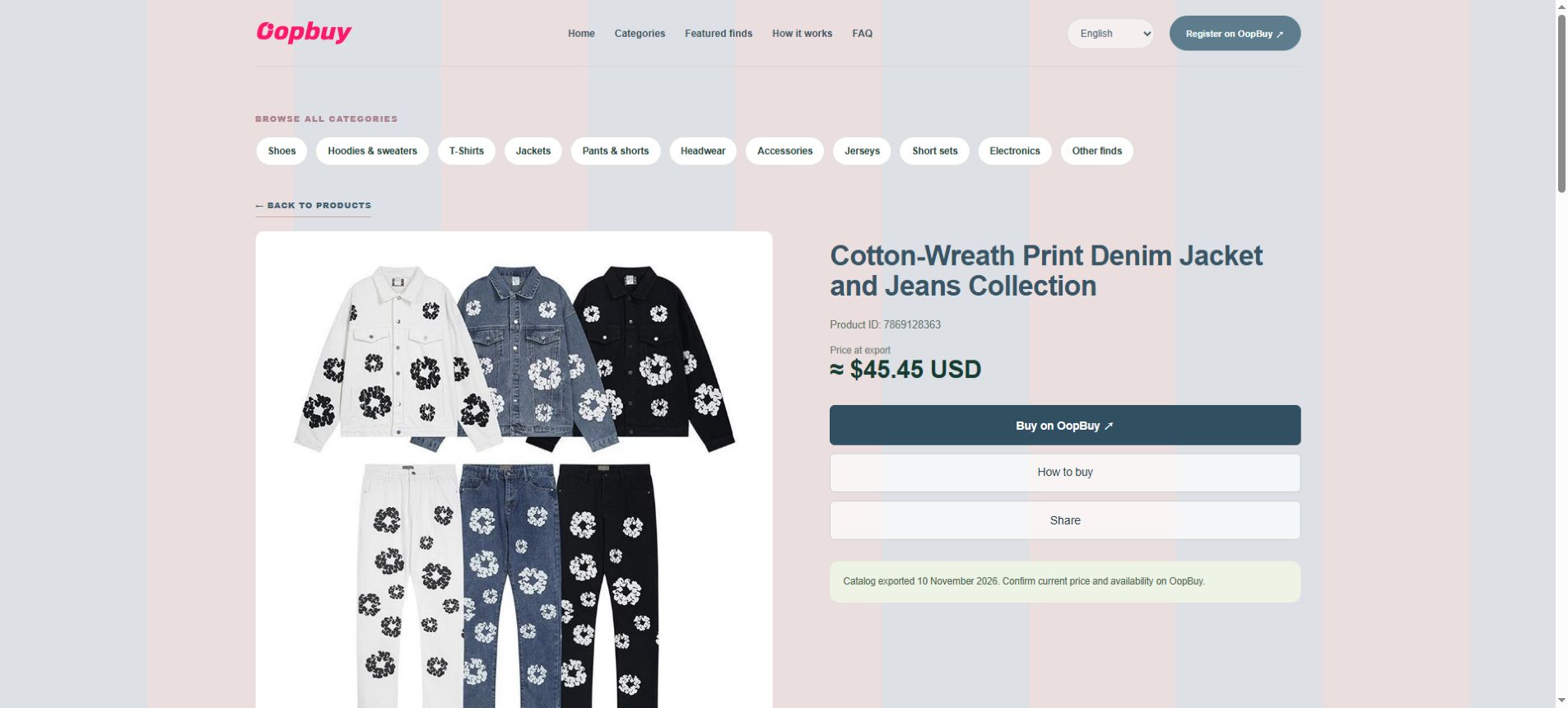
Register or sign in and review your selected options and charges. You generally pay for the item and any seller-to-warehouse shipping first; international shipping is paid separately when submitting a parcel. Follow purchasing through the order; preorders or stock shortages may delay delivery to the warehouse.
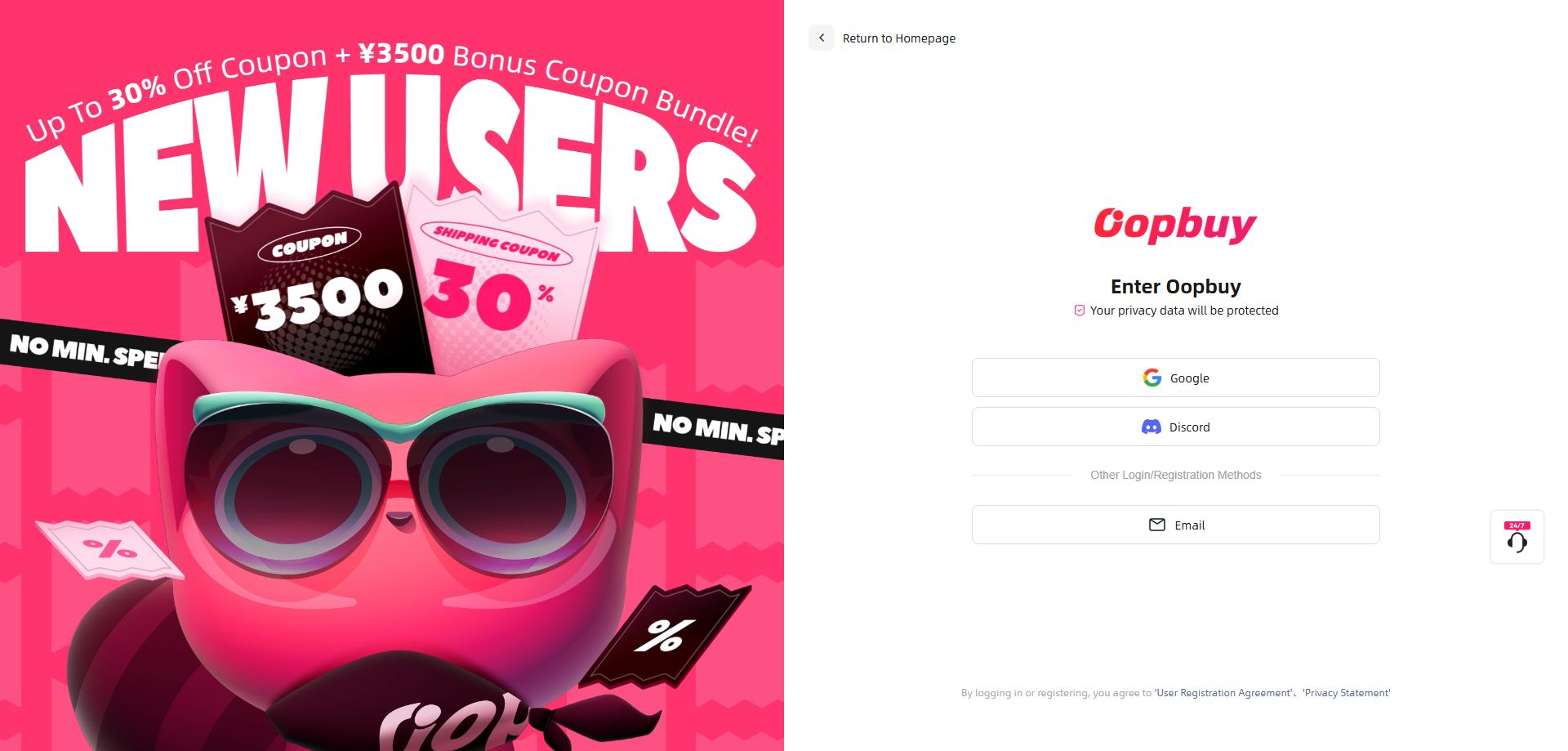
After the item reaches the warehouse, open OopBuy User Center → Warehouse to check status and available QC photos. Compare size, colour and visible defects; contact OopBuy before international shipment if something is wrong. Ask support whether extra photos or measurements are available and whether they carry a fee.
Select stored items for a parcel, enter the destination and compare available routes. Check restrictions, packaging, chargeable weight, shipping and possible taxes. Pay the final quote and keep the waybill to track delivery. Packing can change the chargeable weight; track the waybill and check the current tax rules.
Choose a listing from the OopBuy spreadsheet and open its verified purchase link. Compare the seller, measurements, material, colour, quantity and current price. After you register or sign in on OopBuy, submit the order and review the item charge, domestic delivery and payment fees before paying. The agent then purchases from the seller; an order is not ready for international shipping until the item reaches the warehouse.
In your OopBuy warehouse, review the available QC photos and order status. Check visible details against the seller listing and contact OopBuy before shipping if something is wrong. Select available items, confirm the destination and permitted shipping line, and review packaging, actual or volumetric weight, international shipping, taxes and any extra fees. Final charges and delivery times depend on the parcel and route; track the waybill and check the current after-sales terms.